
Camera Bookmark Utility
The Camera Bookmark Utility is an Unreal Editor tool for saving, naming, reviewing, and restoring complete CineCamera setups. Scout a scene with only one camera, choose shots, save their exact setup, then return to any saved shot without rebuilding anything.
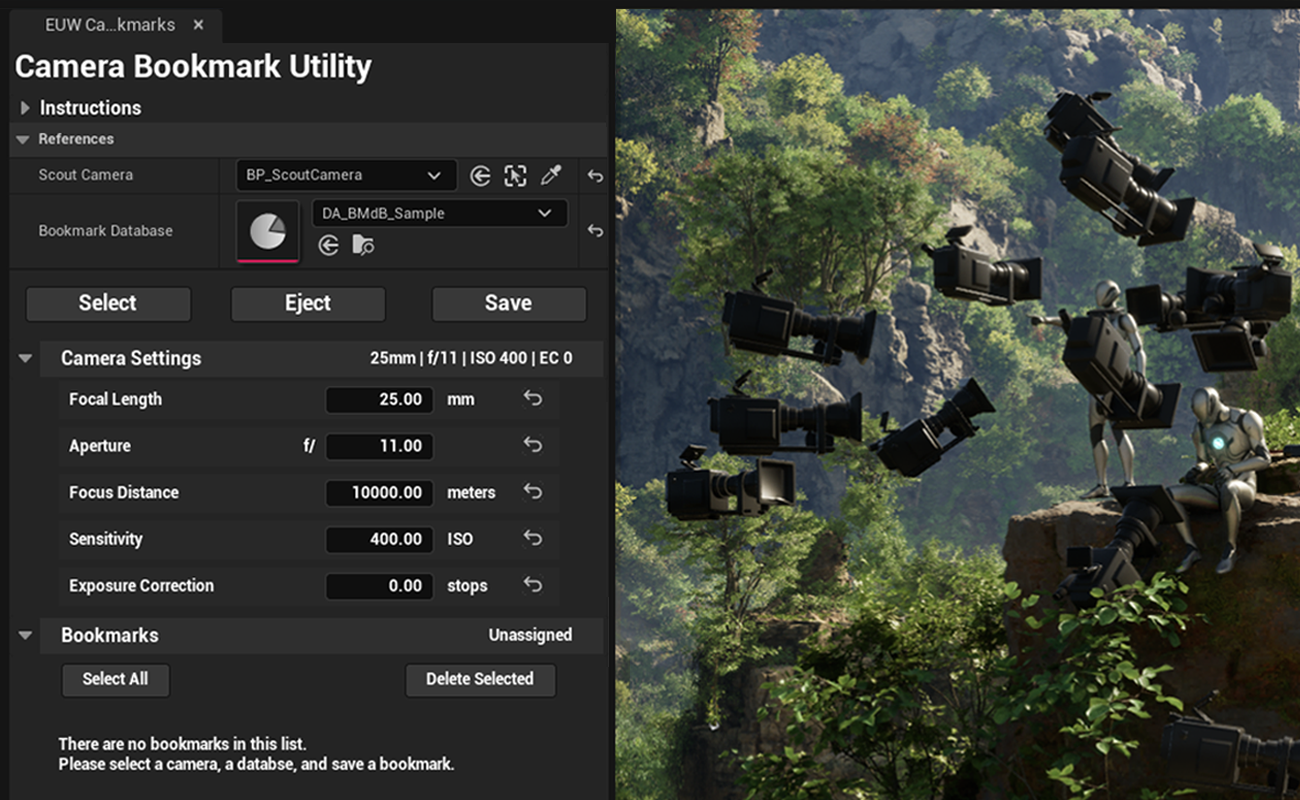
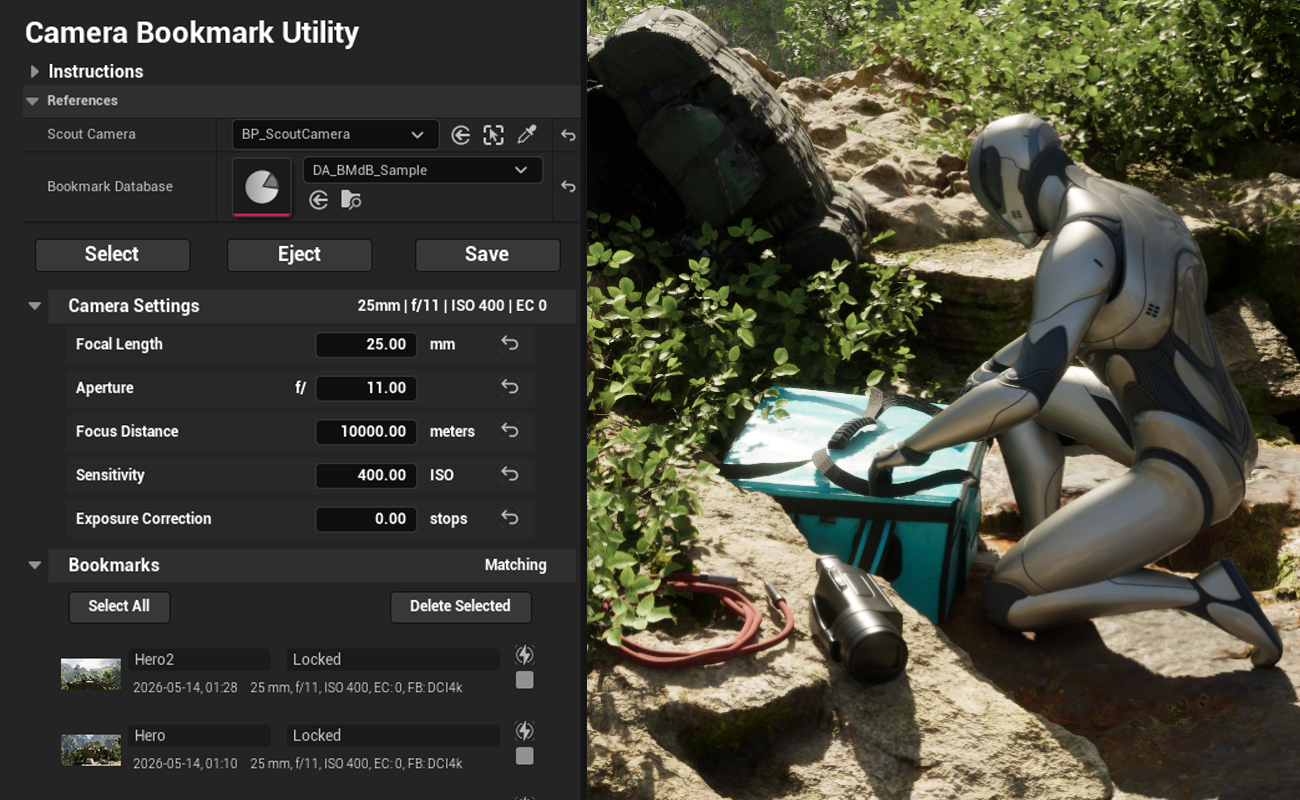
Camera Bookmarks store not only the CineCamera's transform - but the lens, focus distance, ISO, exposure compensation, filmback, camera view with thumbnails, notes, and more - in per-map data files saved as assets, ready for version control.
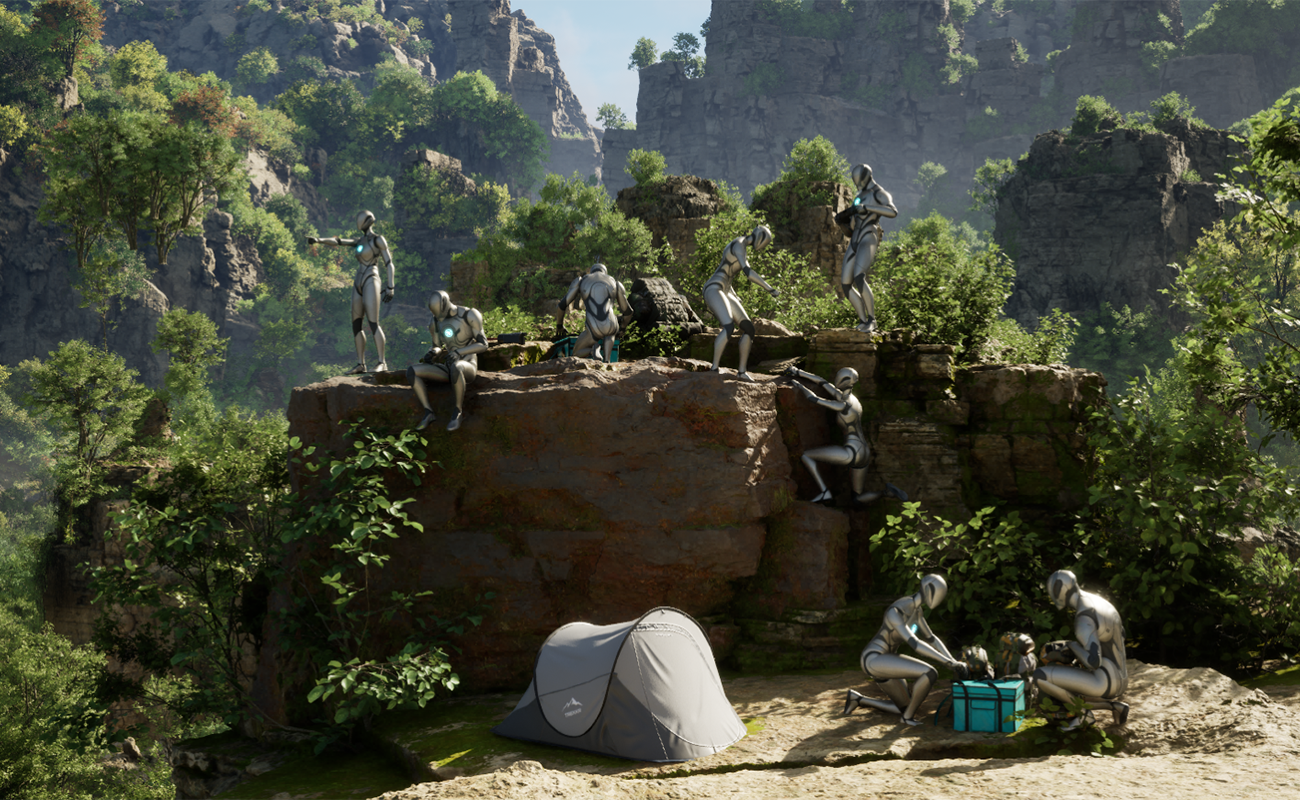
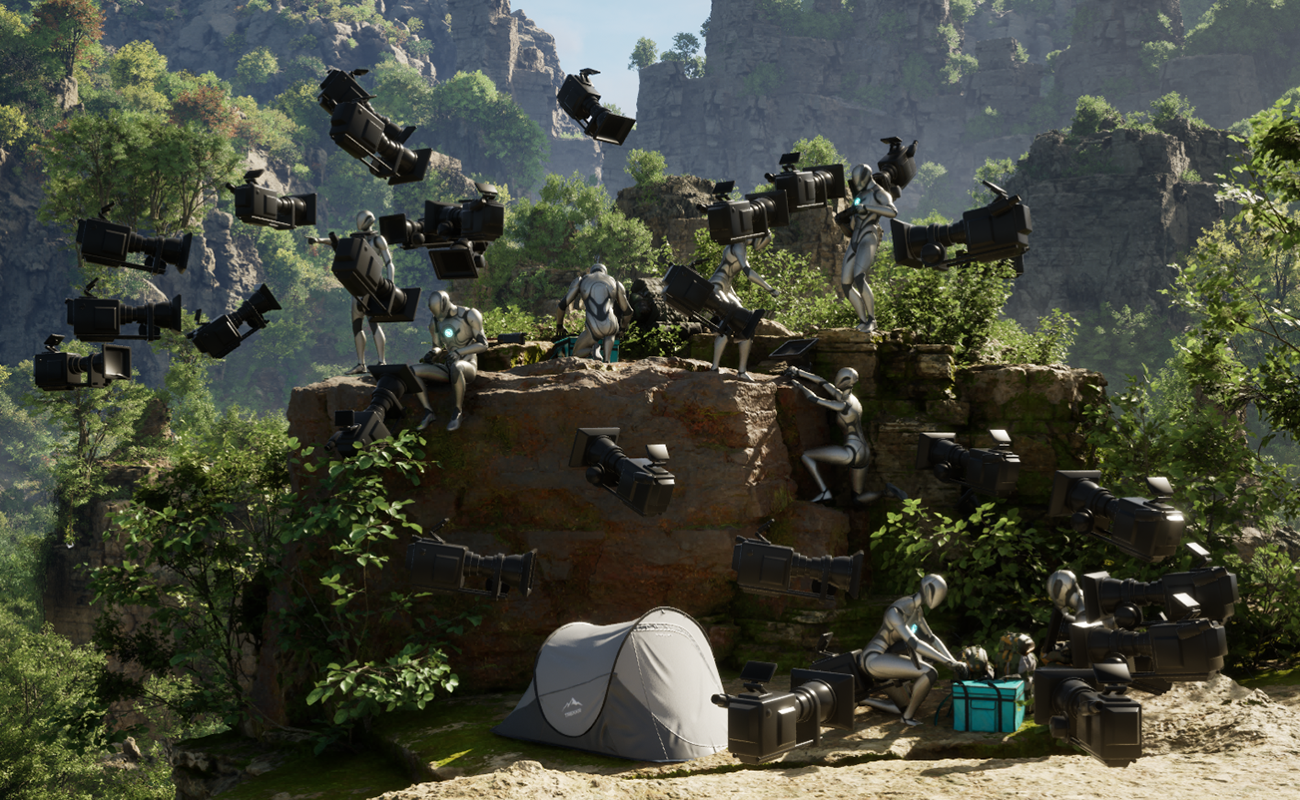
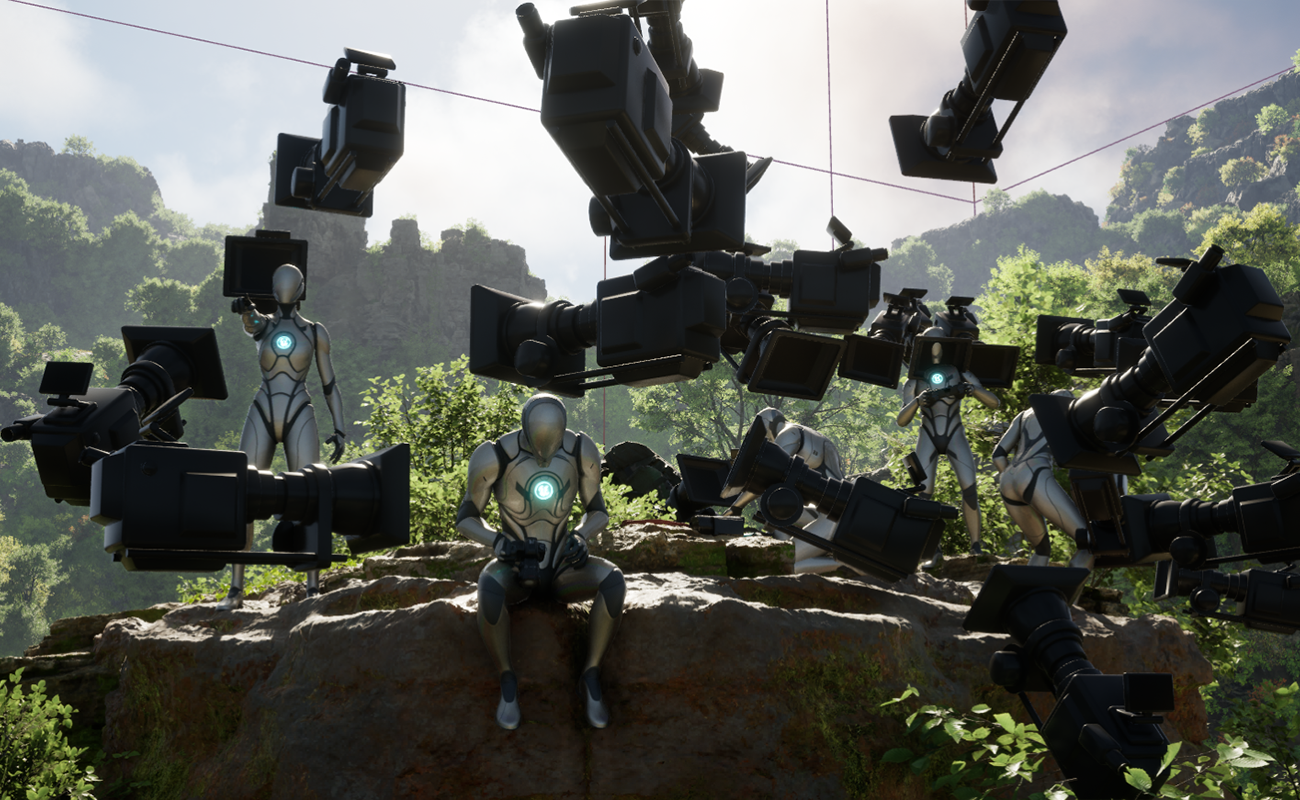
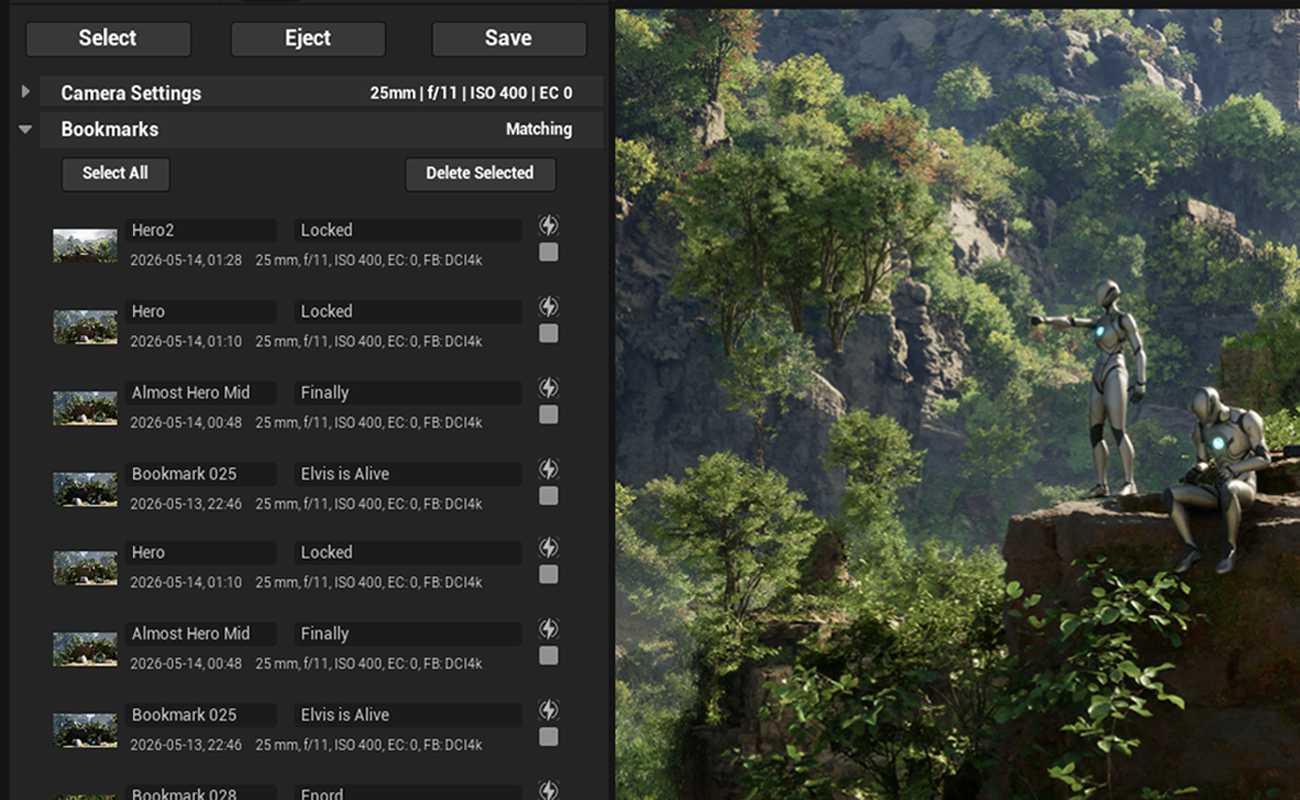
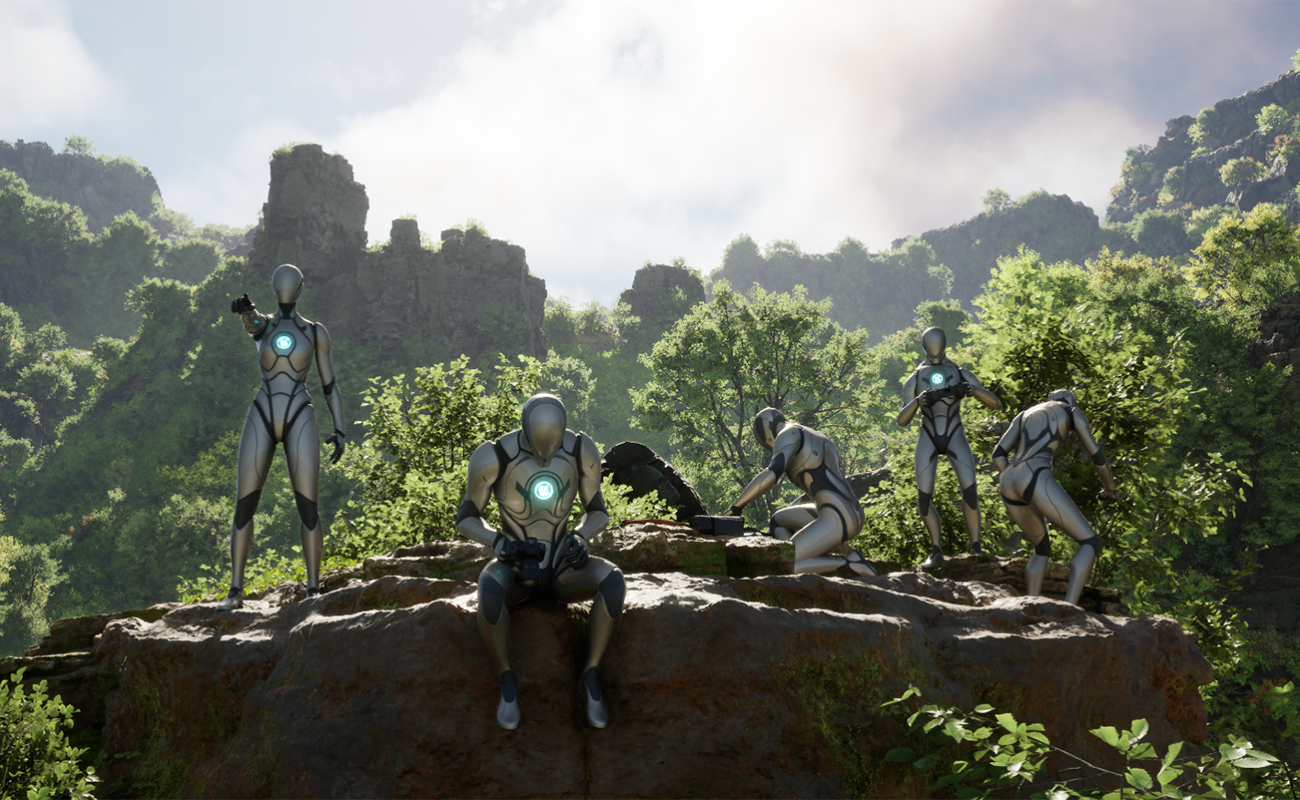
One tool. One Camera. No scene clutter.
Camera work in Unreal can get messy fast: usually duplicate cameras trying to preserve shots, or relying on the built-in 10-slot camera menu saving only transforms for a game-focused workflow.
The Camera Bookmark Utility saves those shot setups as named, durable, restorable, Camera Bookmarks instead of confusing, disposable scene clutter.
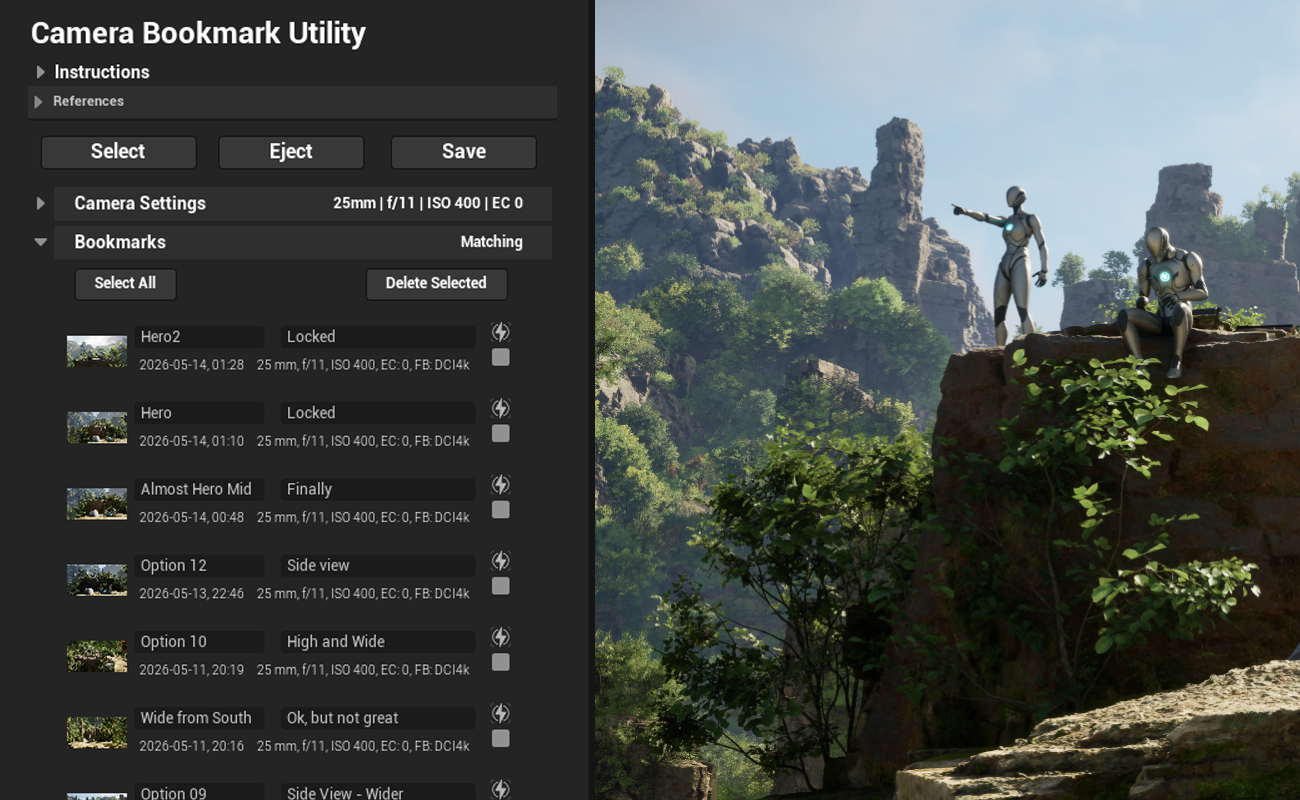
Save complete camera states as named bookmarks
Capture the exact working state of the camera; return to it with a single click. No rebuilding the setup by hand or saving temporary actors. The value is not just storage. The value is in the quick and reliable reload of any saved setup.
- Set up shots and compare alternates quickly.
- Restore exact working states for all settings.
- Custom names and notes keep saved Camera Bookmarks organized and intelligible.
A true scouting tool:
Keep the controls together
CineCamera settings all belong in a single working panel, not hidden in the depths of the editor details.
- All significant CineCamera settings are exposed in one panel.
- Set restorable CineCamera defaults as a durable baseline.
- Automatically capture, save, and display the camera view.
- Camera Bookmark images become lightweight storyboards.
Made to solve a real production problem
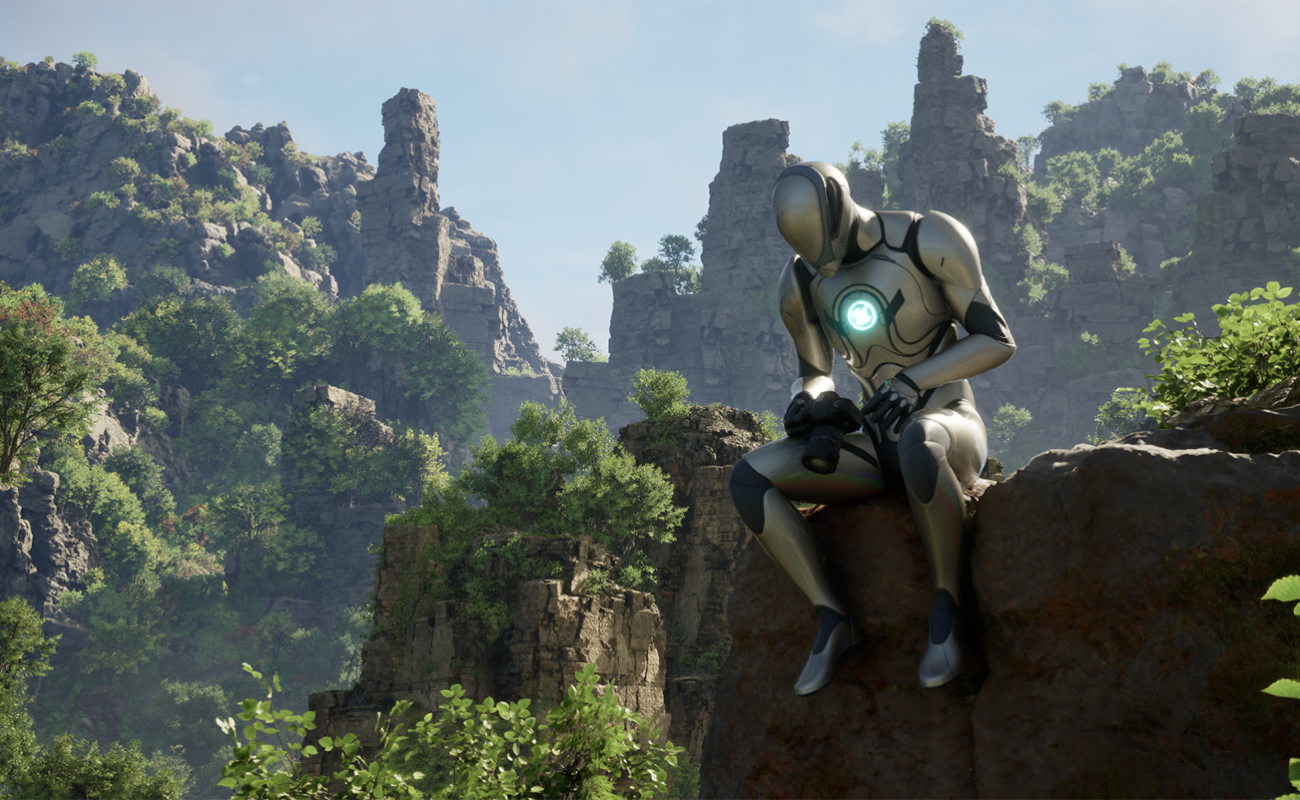
Camera Bookmark Utility was built while working through active Unreal scene layout, lookdev, and shot-prep problems. It exists because camera scouting and shot selection gets ugly, slow, and hard to manage when useful setups are stored only as duplicate actors, nulls, screenshots, or within the limited 10 slot saved camera menu.
- Per-map organisation keeps Camera Bookmarks relevant.
- Camera view images live safely in the project structure.
- All content, including images, is ready for version control.
Built with production experience
during active production.
KoTenshi was founded by Adam Buckner, built on forty years of hands-on production experience as a director, producer, supervisor, actor, and educator; across drama, film, television, visual effects, and real-time tools. That experience runs from Babylon 5 and Deep Space Nine through Unity and Unreal to Masters of the Air and The Magic Faraway Tree.
Active production reveals the tools we need in our pipeline. When we build a tool that solves a real problem for us, we polish it and release it so other Unreal creators can use it in their productions as well.
Available on Fab
Camera Bookmark Utility is available in Personal and Professional editions. Save, name, compare, and restore CineCamera setups while scouting shots, preparing sequences, or maintaining continuity in Unreal.
The User Guide includes setup instructions, saved-data behaviour, thumbnails, known issues, and the current roadmap.